 gunnchOS
Thursday Open Technology Lab · Week 3
Why Does Technology Feel Fast, Slow, Smooth, or Unstable?
Ask · Learn · Build
Investigate delayed taps, buffering video, choppy games, and broken-up calls. Learn what latency, throughput, jitter, packet loss, and frame time can tell you, then try a five-minute performance detective activity on paper.
Session date: . A free, self-guided lesson. Paper and pencil are enough; a phone is optional. No computer, account, payment, or prior experience is required.
This week's replay
The permanent archive is on YouTube. Twitch remains the original live recording.
Captions and a transcript belong with the permanent archive. After you load the Twitch replay, use the player's own caption controls. This page does not block the lesson if Twitch is unavailable.
The original 26-slide lecture
The complete public lecture includes the core lesson on slides 1–14, activities on slides 15–21, optional deeper explanations on slides 22–24, and takeaways and resources on slides 25–26. These are the original, unmodified PDF and editable PowerPoint, in their original order.
PDF: 303,623 bytes · PowerPoint: 617,487 bytes. The eight-image Instagram recap below is a separate resource, not the full lecture.
Instagram carousel · eight-slide recap
Browse the original recap images at your own pace. The full 26-page lecture is a separate resource.
Swipe left or right on the image. With the carousel focused, use Left and Right arrows, Home, or End. Previous, next, and numbered buttons also work.
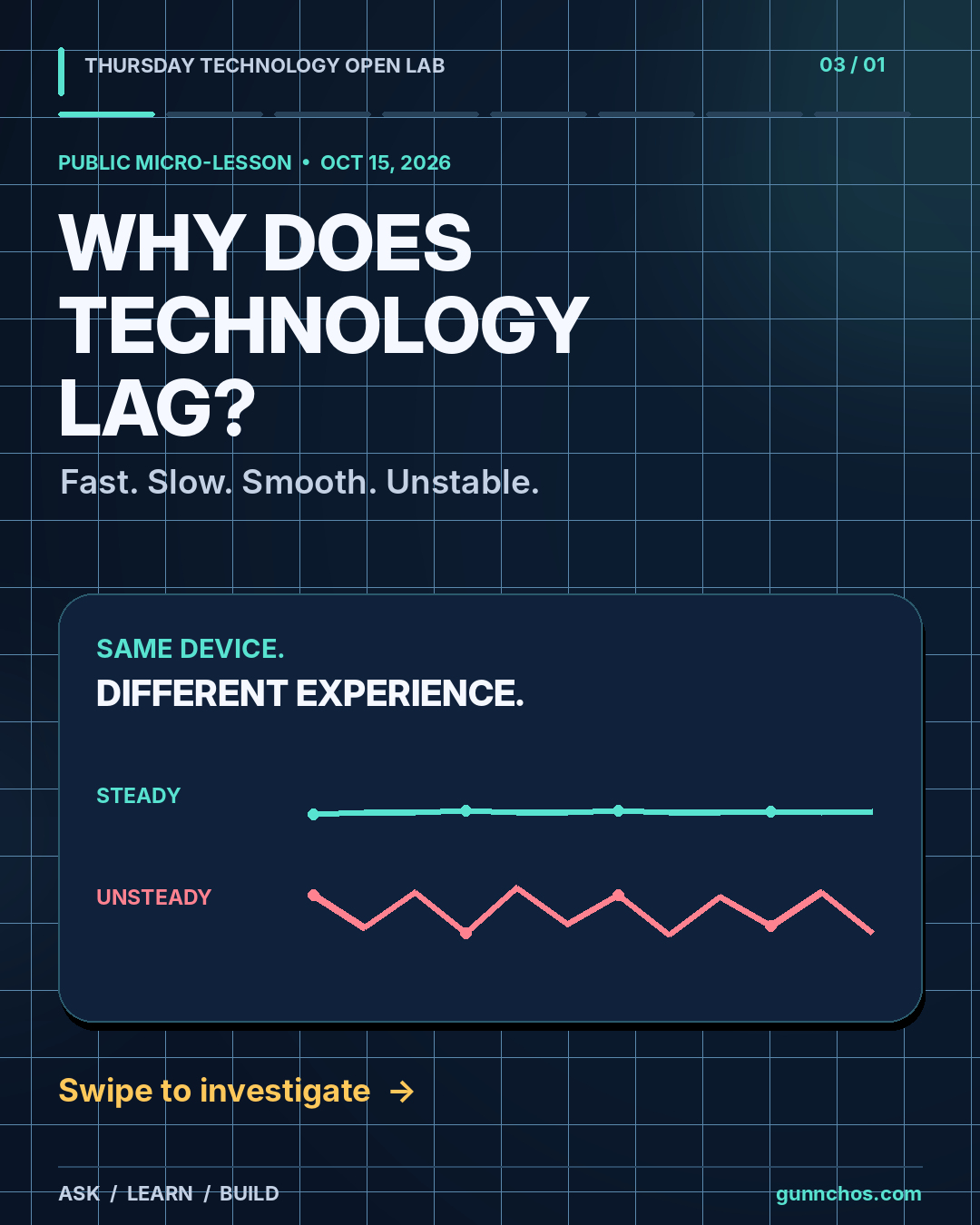
Start with what you notice
“Slow” can mean a delayed tap, a video that buffers, a choppy game, or a call that breaks up. In Week 1 we looked at the whole system; in Week 2 we followed one tap. Now ask how well that experience works for the person using it.
A symptom is evidence. It is not automatically a diagnosis. A green connection icon does not prove that an experience is usable, and a game can stutter even when it is offline.
Five measurements, five different questions
- Latency · How long does one action or message take?
- The wait between tapping and seeing feedback. What feels fast enough depends on the action and the person.
- Throughput · How much data completes a trip per second?
- Enough sustained delivery can help a video keep playing, but a high download rate cannot prove that every button will respond quickly.
- Jitter · How much does delivery delay vary?
- Unpredictable arrival times can make a live conversation difficult to follow, even when some updates arrive quickly.
- Packet loss · How much expected data fails to arrive?
- Missing information may cause a retry, glitch, or pause. Different applications handle it differently; sometimes nothing is visibly wrong.
- Frame time · How long does it take to show the next picture?
- At 60 FPS, about 16.7 ms per frame is a timing target, not a guarantee. A game can stutter offline because rendering and local work also matter.
These metrics are related, not interchangeable. A download test cannot certify input-to-feedback delay, smooth rendering, or a reliable conversation.
The Stability Contract
The lecture describes a useful experience continuing only while enough conditions stay within acceptable bounds: delay, delivery consistency, available data and compute, service reliability, and power. What counts as acceptable depends on the person, the activity, and the context.
Your five-minute performance detective activity
Choose one familiar experience: a delayed tap, buffering video, choppy game, or broken-up call. Write these four prompts on paper. Write “?” wherever you do not know yet.
- What were you trying to do?
- What did you observe?
- Which measurement might matter?
- What is one safe comparison?
Worked example: You wanted to watch a video without pauses. You observed the picture freeze and a loading indicator appear. Data delivery, device load, or service response might matter. If both are already available, comparing saved media with streaming is one safe test. There is not enough evidence yet to say the Wi-Fi is broken.
Phone optional: Try a harmless local action such as play/pause on saved media, then a networked action only if you choose and already have connectivity. Notice the feedback; no stopwatch or special app is needed. Do not buy data or record private screens, passwords, chats, or participant names.
Choose your lane
Each lane is a depth you can choose. None of them is worth more than the others. You can participate without a computer. A paper drawing is valid. A phone photo can be used later, when submissions open.
Explorer
Explain an everyday experience in plain language.
Week 3
- Choose one symptom and name what you noticed.
- Explain in two sentences why a device can say connected while a video call still fails.
- Write a question mark for anything you do not know.
Builder
Improve the feedback a person receives during a delayed action.
Week 3
- Draw a before-and-after interface on paper.
- Compare no visible change after Submit with a Sending… message followed by Sent or an error.
- Mark one change that improves clarity. A spinner can improve feedback without making the service finish sooner.
Engineer / Researcher
Connect a measurement to a claim and the evidence needed to test it.
Week 3
- Choose a metric and explain what it shows and what it cannot prove.
- Consider variability and slow cases, not only an average. Five samples cannot establish a reliable 95th or 99th percentile.
- Describe a fair comparison using the same workload, environment, and device conditions.
This is an educational depth lane, not enrollment in human-subjects research.
Paper experiment: App A and App B
These are synthetic observations from the lecture: made-up tap feedback delays in milliseconds, not live measurements or real app benchmarks. No computer, timing, or calculations are needed.
| Example | Trial 1 | Trial 2 | Trial 3 | Trial 4 | Trial 5 |
|---|---|---|---|---|---|
| App A | 45 | 50 | 48 | 46 | 52 |
| App B | 45 | 52 | 220 | 42 | 48 |
Which set varies less? What could an average hide?
Reveal the lecture’s explanation
App A is steadier in these five made-up trials. App B has one much slower result at 220 ms. These samples do not prove that A will always be faster for everyone, and five observations do not establish a reliable tail percentile.
One safe comparison, one evidence card
Choose a comparison that fits what you can safely observe. Change one thing at a time where possible, and keep the workload and conditions fair.
- One website feels slow: compare other sites on the same device.
- Every site feels slow: compare another available device or connection.
- A game stutters offline: compare a simpler scene or an available setting.
- A call sometimes breaks up: notice whether it happens on another call.
Copy these lines on paper, in your own document, or on a whiteboard. One row is enough.
- Observation
- I saw, heard, or felt…
- Hypothesis
- One possible explanation is…
- Safe test
- I can compare…
- Result
- After the test, I observed…
- Next question
- The evidence still does not tell me…
Keep the card yourself. This page collects no responses or files. Uploads remain closed. No participant registration, research enrollment, or personal-data submission is needed.
What to take with you
- “Slow” describes several different experiences.
- Connected does not necessarily mean usable.
- Observe, compare, and test before claiming a cause.
- A paper investigation is a complete way to participate.
Week 4 preview · October 22, 2026
The original Week 3 lecture previews: “What is actually inside your phone or computer?” Bring a question, a problem, an idea, or your curiosity. A Week 4 resource is not linked until it is published.
Keep exploring
Week 2: What Actually Happens When You Tap a Button?
Week 1: Technology Is a System, Not a Screen
All Thursday Open Technology Lab sessions
Privacy and accessibility · How submissions will work
Read alongside the original lecture: WAIKE learning pathways · The Technology Landscape.